AI apps for Developer Tools
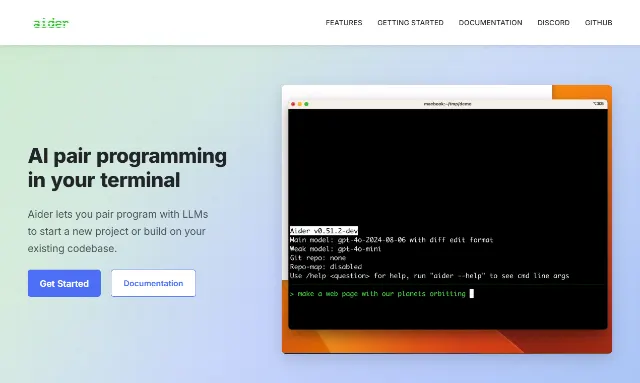
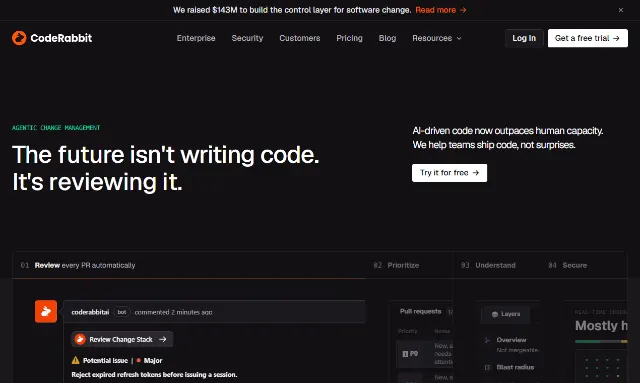
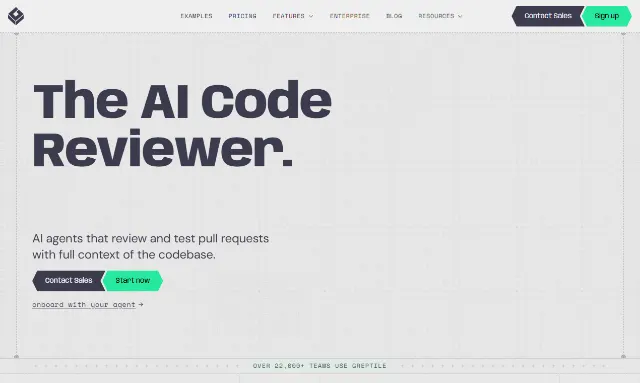
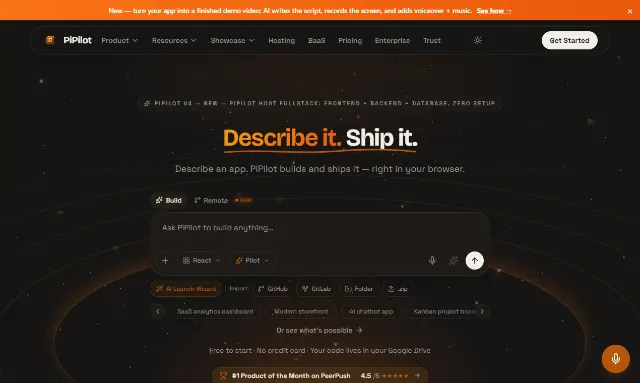
Developer Tools groups AI apps built to help engineers write, test, debug, deploy, or document code — organized by the job they do in the build cycle, not the model or language behind them.

Solo developers, engineering teams, and technical founders come to this category to hand off a specific slice of the build cycle: a code reviewer that catches issues before a teammate does, a test generator that writes fixtures faster than typing them, a debugging copilot for the hour usually spent stuck in the terminal. Listings here are grouped by that job, not by whether the app runs as an IDE plugin, a CLI, or a CI agent. Each one carries whatever verification badges its maker has earned — see /verification for what each badge actually means.
Browse 4 apps in this category.



FAQ
What counts as a Developer Tools app on AXIS Launch?
Apps that help with a concrete step in writing, testing, reviewing, debugging, or shipping code — AI code review tools, test generators, debugging copilots, and CI/CD agents all qualify. General-purpose chat assistants and no-code builders are listed under other categories even if a developer could use them.
Which AI developer tool is best?
It depends on your stack and where in the build cycle you need help — a code review tool and a test generator solve different problems. Our /best listicle for this category is a curated shortlist with the reasoning behind each pick, updated as new apps get verified.
How do I list my AI app in Developer Tools?
Submit at /launch. The listing is free. A person reviews every submission within 48 hours; an approved listing takes the next open slot in the weekly batch and goes live once the AXIS Launch badge is on your site.
How are Developer Tools apps verified on AXIS Launch?
Badges are checked by hand, not automated. Metrics Verified means admin has personally seen a live revenue dashboard or screen-share; PAID Verified means the app has connected PAID and is building an auditable payment history. Standards for every badge are published at /verification.
See the Developer Tools shortlist →
The AXIS Launch daily
One email a day: a listed app, a tool, or a thread from the community, and now and then a note about the other things we make. Unsubscribe in one click.
You get a confirmation email first, and nothing else until you click it. Every issue carries a one-click unsubscribe and our postal address.